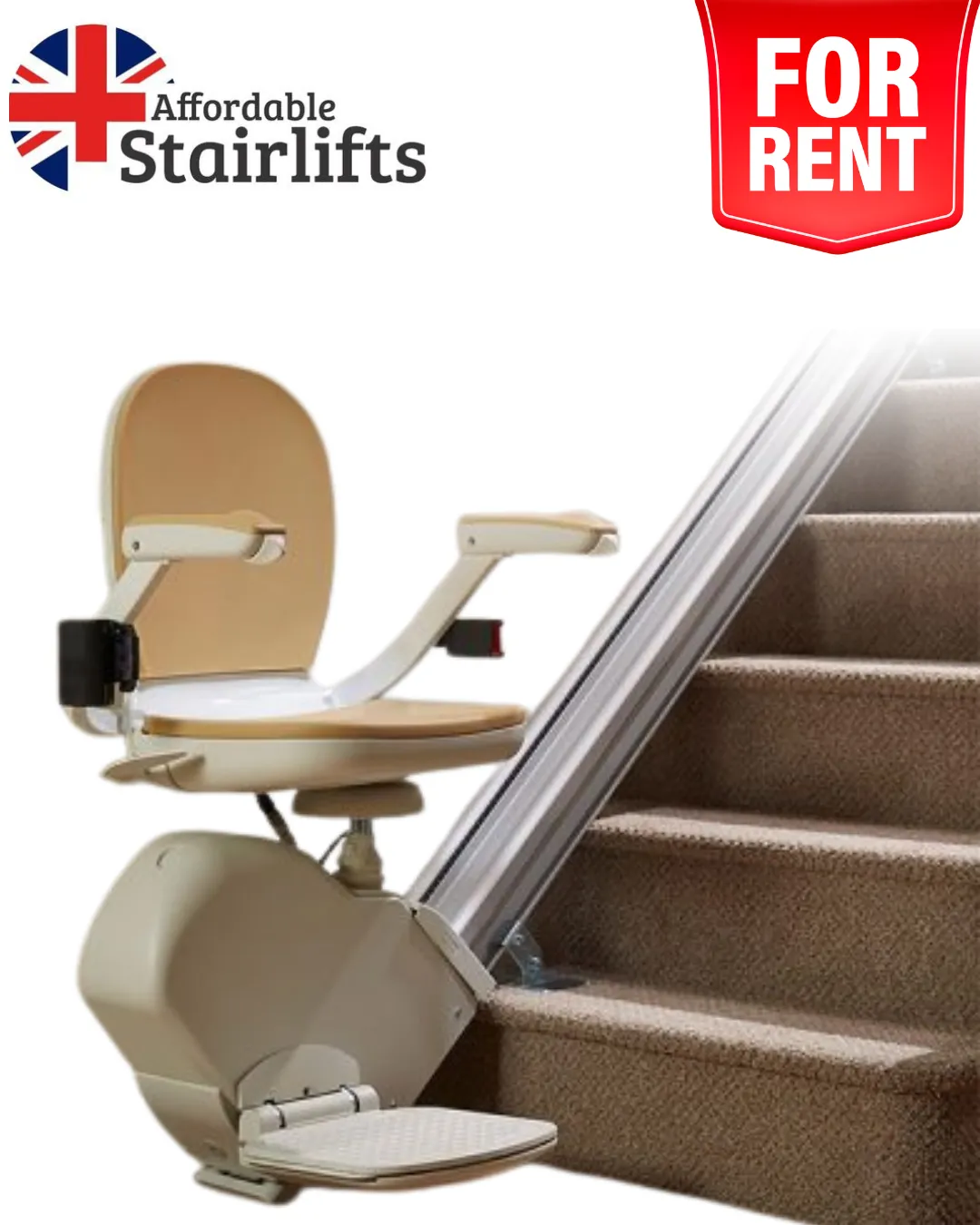
Reading Time: 8 minutes Imagine this scenario: you're comfortably riding your Acorn Stairlift when a series of numbers and letters suddenly flash on the display panel. What’s going on? Well, those are what we call error codes. They’re like little messages from your stairlift’s brain, telling you if something’s not quite right. These codes are handy because they help technicians and smart owners (like you!) figure out exactly what’s causing issues. Each code points to a specific problem, making it easier to fix things quickly. So, understanding these codes puts you in control - you can either tackle the fix yourself or know exactly what to tell the professionals when you call for backup. Let's dive into some of the most common Acorn Stairlift codes you might encounter, along with their meanings and possible solutions: Experiencing an Acorn Stairlift code may be scary, but with some know-how, you can tackle it like a pro. Here’s a simple guide on what to do when you see an error code: Why it helps when codes won’t quit Finance is subject to status and affordability checks. Terms and conditions apply. Affordable Stairlifts acts as a credit broker, not a lender. Illustrative example (for guidance only): Figures are illustrative only (not a quote) and exclude any deposit, fees, or rate differences. Final terms depend on your application. How to get started Unscheduled repairs and replacement parts for your Acorn stairlift can catch you off guard. But now, you can share the burden of the costs and have your stairlift repaired in monthly installments. Not ready to commit, moving house soon, or recovering from surgery? Affordable Stairlift Rentals give you full mobility with maintenance, servicing, and most repairs included—so if an error code appears during your rental, we sort it. What you get Rental vs Buy/Finance—at a glance Understanding and fixing Acorn Stairlift codes can feel manageable. With the insights from this guide, you're ready to decode those tricky error messages and keep your stairlift in top shape. Whether it's a quick adjustment or a professional fix, addressing issues promptly helps maintain the reliability and convenience you depend on. At Affordable Stairlift, your satisfaction and mobility are our priorities. If you ever need assistance or encounter persistent issues, our friendly support team is here to help. Together, we'll ensure your Acorn Stairlift continues to provide safe and seamless mobility for years to come. So, next time an Acorn Stairlift code pops up, don't fret. Refer to this guide, take it step-by-step, and confidently handle it. Here's to smooth rides ahead! The error code is the message displayed on your display screen. It helps you diagnose problems such as charging, obstruction, or battery issues. Switch off the stairlift using the key switch and wait for some time before you start up the lift again. This might solve the problem. Otherwise, you should consult an engineer. If it is only something small such as removal of obstruction or resetting, then you could try to fix the issue yourself. However, if it is a persistent problem, then you should see an engineer. The cost of repair depends on the type of problem you have with your stairlift.
Understanding Acorn stairlift error code

🚨 Do you need a fix? Maybe we can help 🚨
Common Acorn Stairlift Codes and Their Meanings
Acorn & Brooks Superglide 120 (older versions)
Display Code
Power Down Description
Possible Fault
Possible Solution
Blank
Power Down
Check the main power switch
If the switch is on, call Stairlift Medics
0
Batteries (Low Voltage)
Battery voltage is 17V or less
Call Stairlift Medics
1
Normal
The armrest toggle switch is faulty
Try using a remote controller
2
Lift charging, audible beeping
Charger not plugged in; lift not parked on charge contact; power outage
Plug the charger into the wall outlet; move the lift to the charge station.
3
Overspeed Governor
Chassis speed or internal malfunction
Handwind lift track a few inches to reset.
4
Seat Turned
The seat is not in the forward travel position; the armrest is not down
Lock the seat forward, and ensure the armrests are down.
5
Key-Off
The key is in the off-position
Turn the key to the position
6
Final Limit
Lift has overrun the final limit switch
Handwind lift slightly in the opposite direction to reset.
7
Footrest Down
The Footrest safety panel is engaged
Ensure there is no obstruction on the footplate.
8
Footrest Up
The footrest safety edge is engaged
Ensure no obstruction on the footplate.
9
Carriage Up
The safety panel on the upward-facing side is engaged
Ensure no obstruction on track upward.
A
Carriage Down
Safety panel on downward facing side engaged
Ensure no obstruction on the track downward, or call Stairlift Medics
C
Batteries Flat
Battery Condition
Park lift on charge station for 1 hour.
E
Brake Fault
Possible low batteries
Turn the stairlift power off and back on; leave on charge for 1 hour.
F
Motor Fault
Motor malfunction
call a stairlift professionals
U
Relay Fault
Relay or circuit board malfunction
Reset by turning off the power, unplugging the charger for 5 minutes, then plugging it back in.
Acorn & Brooks Superglide 130
Display Code
Status
Description
Solution
No Display
Normal
Power Down - Sleep Mode
Check if the main power switch is on. Activate the toggle switch to wake the stairlift. If the issue persists, call a stairlift professional
A1
Normal
No Charge. Lift will beep
Check if the power switch is on. Activate the toggle switch and drive the lift to the charge point. If the issue persists, call a stairlift professional
P0-P3
Normal
No Movement
If both directional buttons were pressed simultaneously, release them and wait 5 seconds before trying again.
A2
Normal
Lift moving up
The lift is operating normally.
A3
Normal
Lift moving down
The lift is operating normally.
A4
Normal
Lift moving up (remote)
The lift is operating normally.
A5
Normal
Lift moving down (remote)
The lift is operating normally.
C1
Normal
Battery Charging
The lift is operating normally.
C4
Normal
Battery Fully Charged
The lift is operating normally.
C5
Fault
Battery Fault
call a stairlift professional to diagnose and repair battery issues.
E1
Normal
Safety Edge, Footrest Up
Check the upward side of the footplate for obstructions. If the issue persists, call a stairlift professional
E2
Normal
Safety Edge, Footrest Down
Check the bottom side of the footplate for obstructions. If the issue persists, call a stairlift professional
E3
Normal
Safety Edge, Chassis Up
Look for blockages by inspecting the stairlift's primary structure and the track on its upper side. If the issue persists, call a stairlift professional
E4
Normal
Safety Edge, Chassis Down
Check the main chassis and track on the downward side of the stairlift for obstructions. If the issue persists, call a stairlift professional
E5
Normal
Seat not in position
Turn the seat to its normal position and ensure armrests are down. If the issue persists, call a stairlift professional
E8
Normal
Battery Low
Drive the stairlift to the charge point. If the issue persists, call a stairlift professional
E9
Normal
Key switch off
Turn the key to the on position.
F1
Fault
Relay Fault
Power down the stairlift, wait 5 minutes and power it back on. If the issue persists, call a stairlift professional
F2
Fault
Brake Fault <18V
Power off and on the stairlift to reset. Drive the stairlift to the charge point for 1 hour. If the issue persists, call a stairlift professional
F3
Fault
Motor Fault
Power off and on the stairlift to reset. If the issue persists, call a stairlift professional
F4
Fault
Motor Overcurrent
Power off and on the stairlift. Check if the user's weight is appropriate for the lift. If the issue persists, call a stairlift professional
F5
Fault
Battery Fault
Drive the stairlift to a lower charge point and leave it to charge for 1 hour. If the issue persists, call the stairlift professional
F6
Fault
Final Limit Overrun
Handwind the stairlift up (clockwise) to reset. If the issue persists, call the stairlift professional
F7
Fault
OSG Switch
Handwind the stairlift up (clockwise) to reset. If the issue persists, call the stairlift professional
F8
Fault
System Lockout
Power off and on the stairlift to reset.
H1
Normal
Multiple operating errors
Check all safety edges. If the issue persists, call the stairlift professional
H2
Normal
Multiple operating errors
Check all safety edges. If the issue persists, call a stairlift professional
H3
Normal
Multiple operating errors
Check all safety edges. If the issue persists, call a stairlift professional
H4
Fault
Safety Device Fault
Call Stairlift Medics to diagnose and repair safety device issues.
Taking Action: Simple Steps for Quick Fixes

Scenario
Example Cost
Example Term
Illustrative Monthly
Notes
Battery replacement & service
£350
12 months
£~30
Spread a one-off repair into smaller payments
Carriage repair (parts & labour)
£650
24 months
£~29
Keep the lift running while you pay overtime
New straight stairlift
£2,200
36 months
£~70
Consider if frequent faults are adding up
Share the Cost of Stairlift Repair and Upgrade Services
Try Our Rental Service (All Servicing Included)
Feature
Rent
Buy / Finance
Best for
Short-term needs, recovery, and guests
Long-term, everyday use
Upfront cost
Low (install & first month)
Higher (or deposit with finance)
Monthly cost
Predictable rental
Finance repayments (if financed)
Servicing & repairs
Typically included
Warranty + paid servicing after
Flexibility
Return anytime (per terms)
Own the lift outright
Error codes during the term
We attend and fix as part of the rental
Call-out per warranty/plan
Quick chooser
How to book a rental
Final Thoughts

Frequently Asked Questions
1. What are the codes for an Acorn stairlift?
2. How do I reset my Acorn stairlift after an error code?
3. Can I fix Acorn stairlift error codes myself, or do I always need an engineer?
4. How much does it cost to repair an Acorn stairlift fault?
Author


Quick Free Quote

Free Brochure
Free Brochure